Add images
Select JPEG, PNG, or static WebP files. The originals remain on your device.
LOCAL IMAGE WORKFLOWS
Turn a folder of product photos or campaign images into ready-to-review versions in one batch. Choose a reusable workflow, preview an image, then download one ZIP.
Your image files are processed in your browser, not uploaded to an image service.
Select JPEG, PNG, or static WebP files. The originals remain on your device.
Start with a scenario draft or reuse a saved workflow. Adjust output sizes, names, folders, crop, and watermarks.
Check one representative image, process the batch, review failures, and download the results together.
Each output branch can have its own dimensions, format, quality, filename, and ZIP subfolder.
 Original image2400 × 1600 · PNG
 Larger image1200 × 800 · PNG
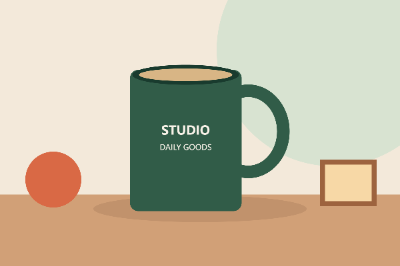 Thumbnail400 × 266 · PNG
Original illustrations exported with the free tool. Select your originals once and download both versions together. Sizes and formats are editable. See the multiple-size example →
Marketplace scenario presets are starting points, not a promise of platform approval. Check current rules and inspect your ZIP before publishing.
Download original landscape and portrait samples, check the output dimensions, then try the ready-to-edit free setup.
The no-login trial supports 3 images, 2 outputs per image and up to 1600 px per side. Full access supports 500 images and 512 MiB of encoded output per ZIP. Inputs can be up to 24 megapixels. Export targets sRGB and does not preserve source ICC profiles; review color-sensitive work separately.
Privacy & limitsFull access saves your sizes, formats, naming rules, ZIP subfolders and watermark in a workflow. Keep it in this browser, or export a file to move it to another browser.
Start with a free small batch, without an account. See pricing for larger batches and reusable workflows. Already purchased? Sign in or redeem your authorized code.
Try free, no sign-up